Features
Know where the hours go — and prove it
30-day money-back guarantee · runs on your server in minutes · no per-user fees
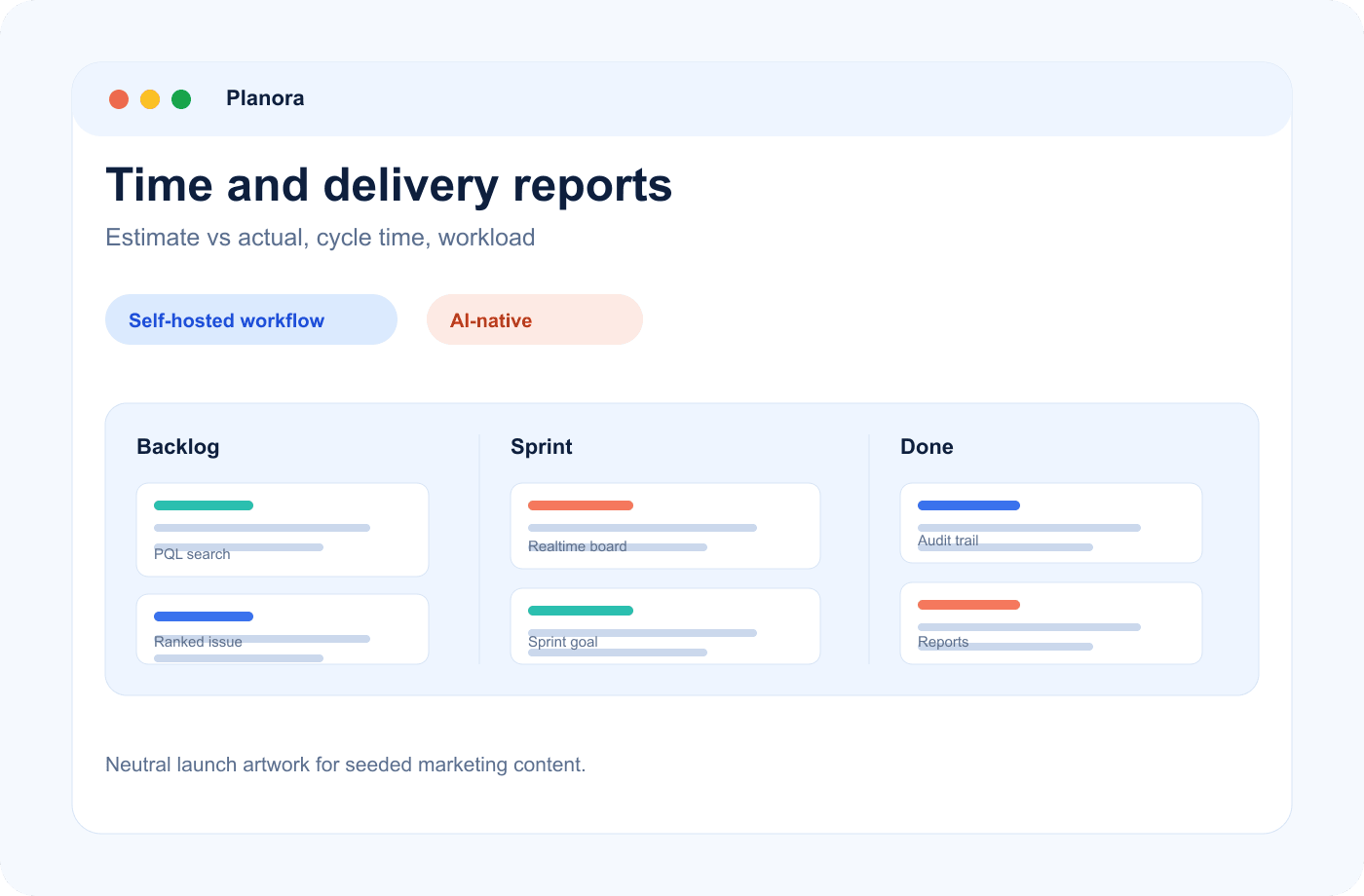
Time tracking
Log time where the work happens
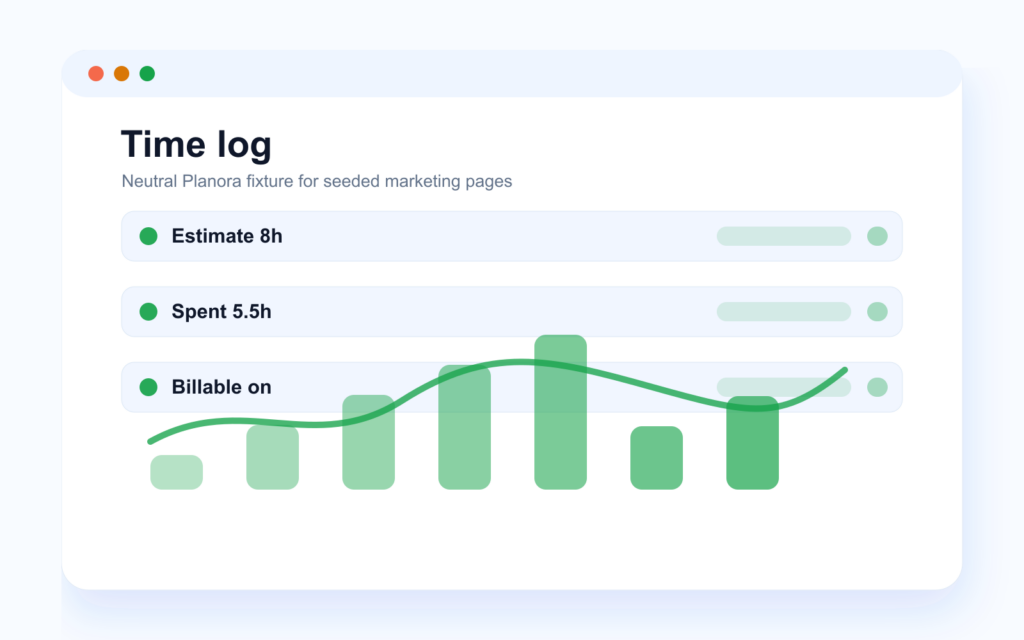
Log hours directly on the issue, mark them billable or not, and keep the full time-log history — who, when, how long. Agencies get clean client accounting; product teams get honest capacity data.
- Billable flag
- Estimate vs actual
Reports
Reports that answer the retro questions
Burndown, velocity trends, task breakdowns, team workload, cycle and lead time, cumulative flow. “Why did this take three weeks?” becomes a chart, not a debate.
- Cycle & lead time
- Cumulative flow
Dashboards
Dashboards for you and for the project
“My work” gathers everything assigned to you, reported by you, watched by you and overdue — one personal view. The project dashboard shows sprint progress, breakdowns, team workload and a live activity feed.
- My Work view
- Team workload
Secondary capabilities
Reporting is governed by the same permission system as the rest of the product.
-
Time-log history
Each entry keeps who logged what and when.
-
Type/status breakdowns
Read project mix without exporting a CSV.
-
Activity feed
Project change history stays visible beside the numbers.
-
Report/export permissions
40+ permissions control who can view and export reports.
Related features
Reports make the most sense beside the backlog, board and hosting controls that shape the data.
-
Backlog & planning
Drag-to-sprint backlog, bulk actions, sprint goals, auto velocity and burndown.
-
Boards & sprints
Kanban and Scrum boards with sub-500 ms real-time sync, WIP limits and swimlanes.
-
Self-hosting & security
One docker-compose file, 40+ permissions, full audit log, backups you control.
Frequently asked questions
Is time tracking mandatory for the team?
No. It’s there when you need it — per-issue, optional, with permissions controlling who can log and view time.
Can we separate billable from internal time?
Yes, every time log has a billable toggle, and the full history keeps the split auditable.
Which reports does Planora include?
Burndown, velocity trends, task breakdowns, workload, cycle and lead time, and cumulative flow — per project, always current.
Can I see everything on my plate in one place?
Yes, the “My work” view: assigned, reported, watched, overdue and recent activity, across all projects.
Can clients or stakeholders view progress without editing anything?
Yes — give them the Viewer role. Planora’s 40+ granular permissions control exactly who sees and edits what.
Plan, track, ship — without the bloat
Every feature, one fair license, your own servers. Prefer to see it running first? Book a demo on a real instance.