Features
Your process, enforced automatically
30-day money-back guarantee · runs on your server in minutes · no per-user fees
Rule builder
Automations without code
Build rules from triggers — issue created, status changed, assigned, commented — plus AND/OR conditions, and actions: transition, assign, label, notify, log time, create a subtask. If a human doesn’t need to decide it, a human shouldn’t have to do it.
- No-code builder
- AND/OR conditions
Templates & history
Trust, but verify
Every automation keeps a run history — what fired, when, on which issue. Start from pre-built templates and adjust, instead of staring at an empty rule builder.
- Starter templates
- Run history
Workflow engine
Workflows that match how you work
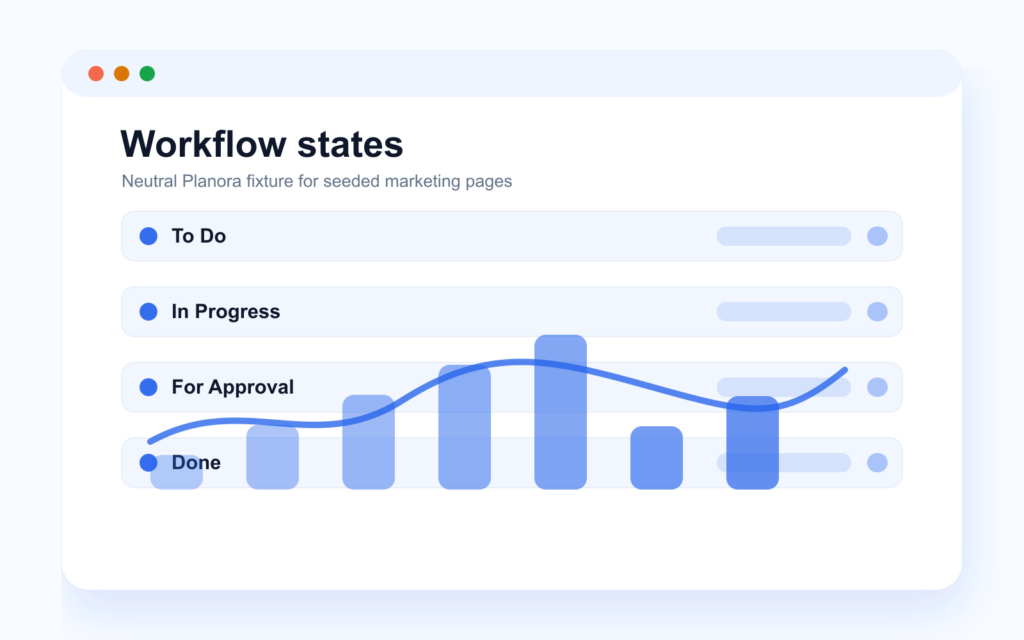
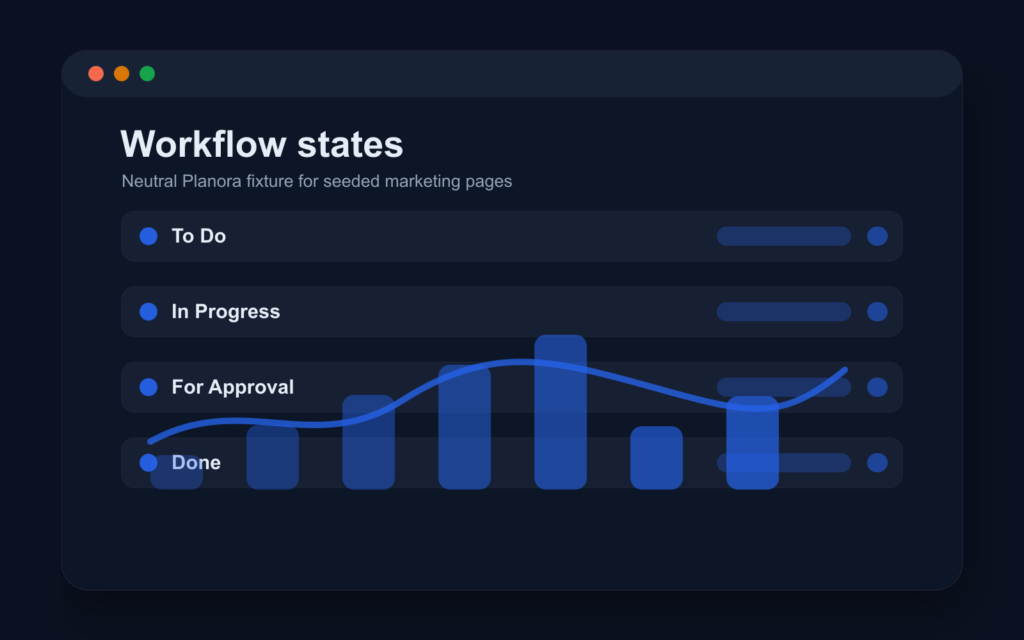
Start with the sensible default — To Do → In Progress → For Approval → Done — or build your own per project, with status categories keeping reports meaningful. Restrict transitions by role, require fields before a status change, and fire automatic actions on transition.
- Per-project workflows
- Transition guards
Secondary capabilities
Workflow automation sits beside the notification system teams already use every day.
-
Notification types
Assigned, mentioned, updated, commented, status, sprint and due-date events.
-
Notification preferences
Per-type controls keep noisy projects quiet.
-
Email digests
Instant, daily or weekly email digests via the background job stack.
-
Watchers
Follow important issues without owning the work.
Related features
Rules work best when boards, integrations and permissions all share one model.
-
Boards & sprints
Kanban and Scrum boards with sub-500 ms real-time sync, WIP limits and swimlanes.
-
Integrations & AI
Slack, Jira import, webhooks, scoped API tokens — and a built-in MCP server for AI.
-
Self-hosting & security
One docker-compose file, 40+ permissions, full audit log, backups you control.
Frequently asked questions
What can trigger an automation?
Issue created, status changed, assignee changed, or a new comment — combined with AND/OR conditions before any action runs.
What can an automation do?
Transition the issue, assign it, add labels, send notifications, log time or create a subtask. Chain conditions to keep it precise.
Can we stop people from skipping workflow steps?
Yes. Transitions can be restricted by role and can require fields, so issues can’t jump to “Done” half-filled.
Can I see what an automation actually did?
Yes — each rule has a run history, and every field change lands in the issue’s full audit log with actor and timestamp.
Do we have to build workflows from scratch?
No. Every project starts with the default four-status workflow, and automations offer pre-built templates you can adapt.
Plan, track, ship — without the bloat
Every feature, one fair license, your own servers. Prefer to see it running first? Book a demo on a real instance.