Features
Boards your team won’t fight
30-day money-back guarantee · runs on your server in minutes · no per-user fees
Kanban depth
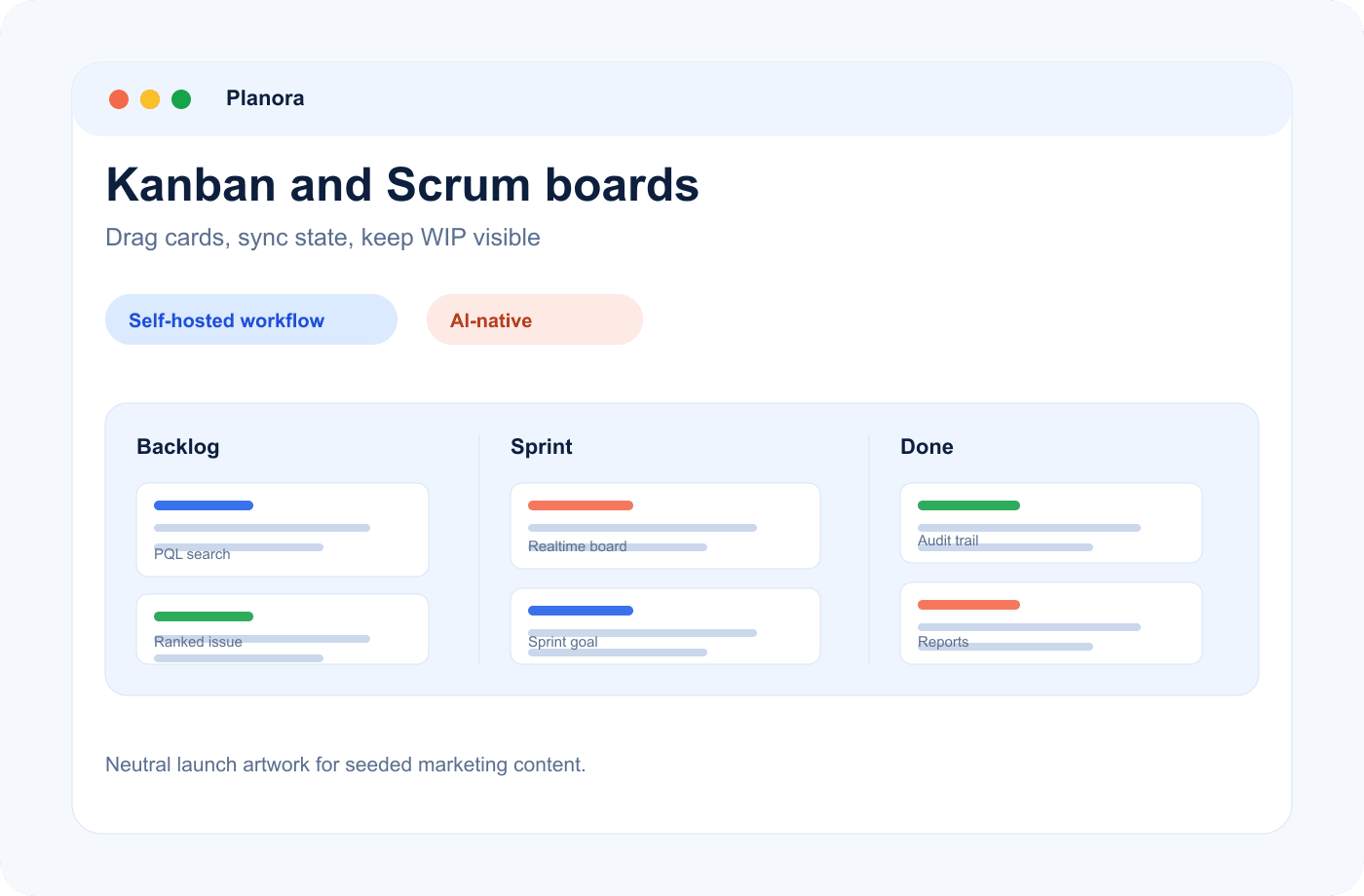
Kanban that keeps you honest
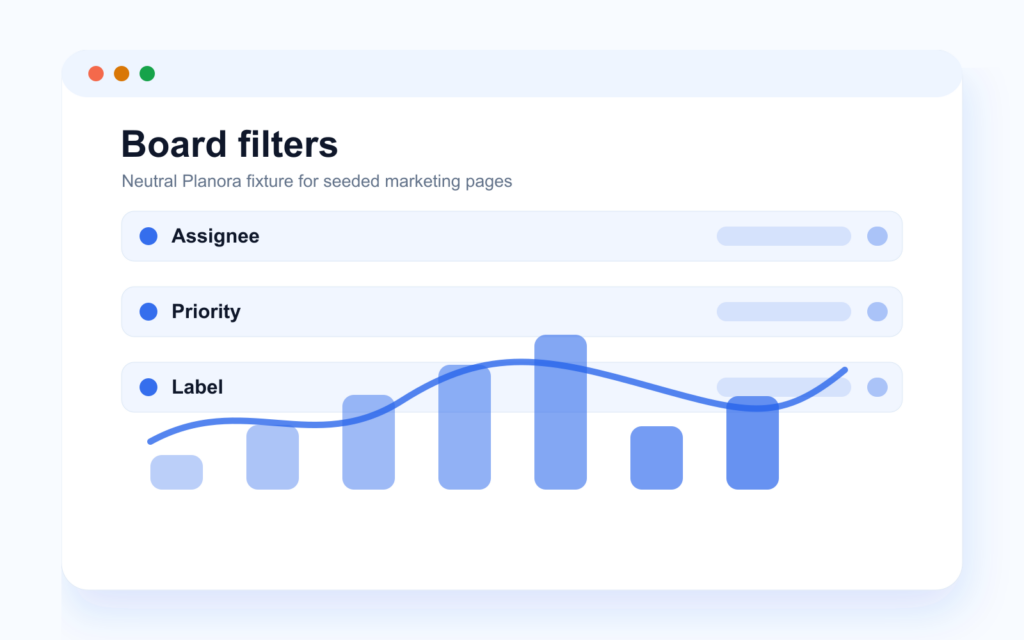
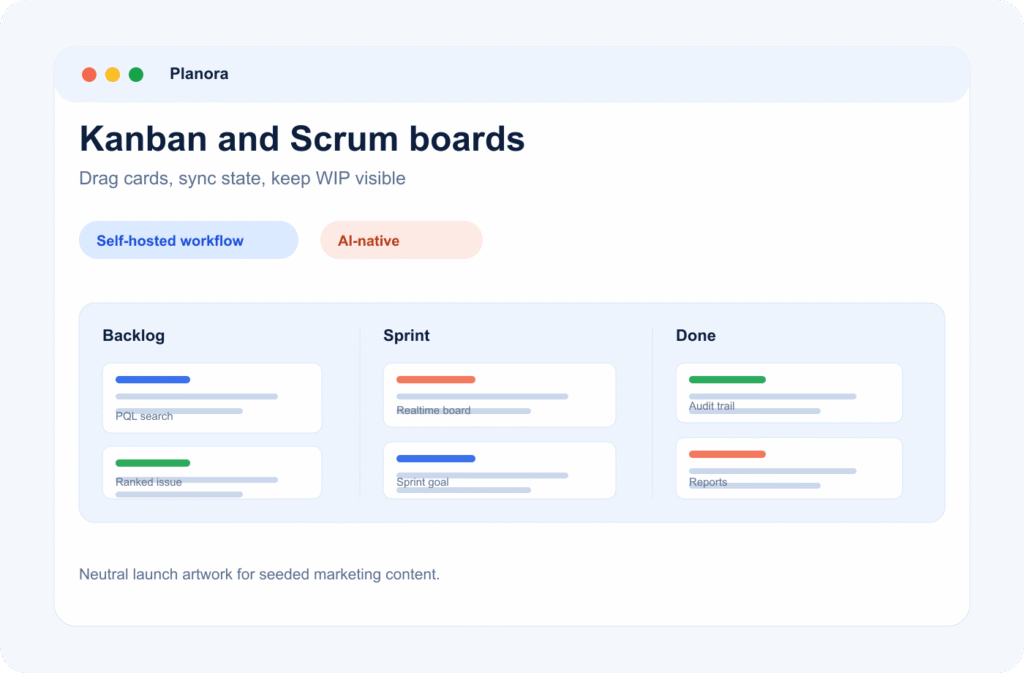
Set WIP limits per column so “in progress” means in progress. Slice the board into swimlanes by assignee, priority or epic, and use quick filters for assignee, label, priority or type when you only need your slice of the work.
- WIP limits
- Swimlanes
Real-time sync
Drag, drop, done — in real time
Move a card and your whole team sees it in under 500 ms, powered by WebSockets and Redis pub/sub. Standups stop being screen-share archaeology: the board everyone looks at is always the current one.
- < 500 ms updates
- No refresh button
Scrum lifecycle
A Scrum board that knows what sprint it is
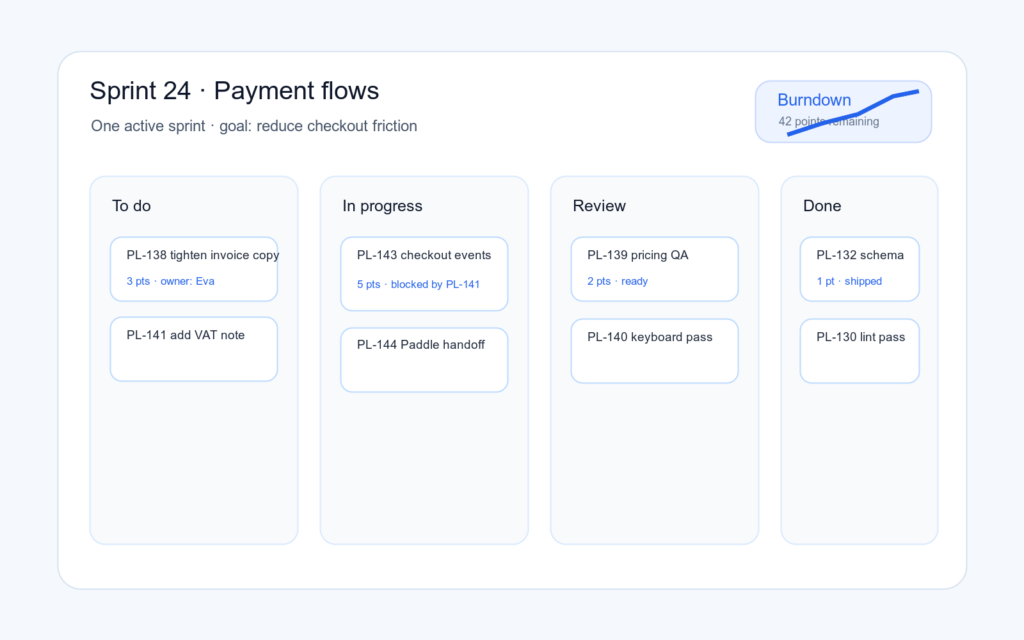
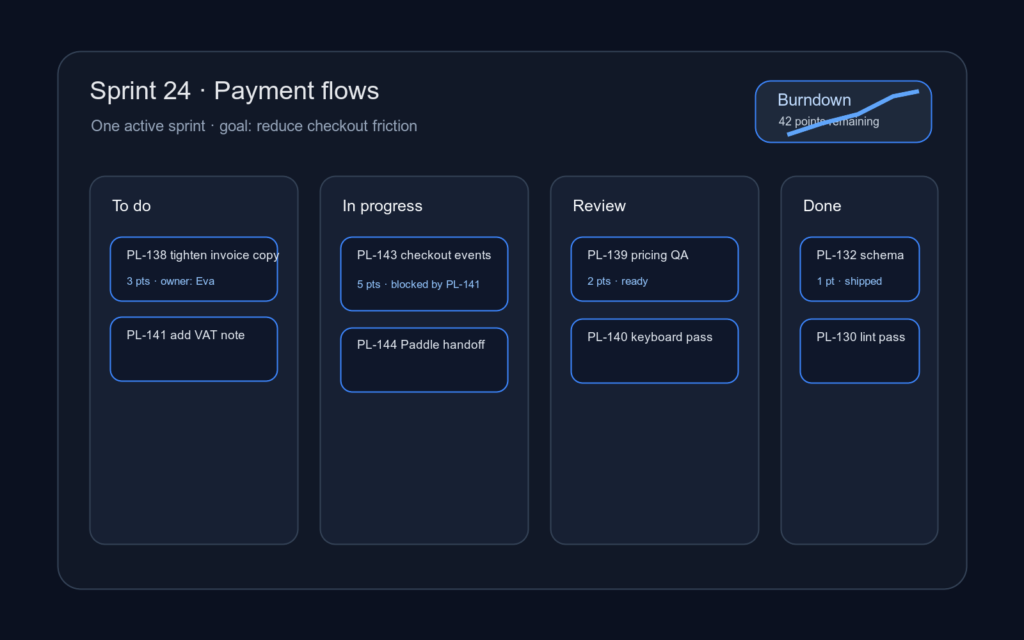
The Scrum board shows the active sprint and nothing else. One active sprint per project keeps focus unambiguous — the board is the commitment, not a wishlist.
- One active sprint
- Clean carry-over
Secondary capabilities
Board settings and card detail stay deep enough for software teams without turning the board into a spreadsheet.
-
Board settings
Column order, WIP limits and card field visibility per project.
-
Issue types
Epic, Story, Task, Bug and Subtask for real software work.
-
Priorities
Critical, High, Medium, Low and Trivial, visible where teams triage.
-
Issue linking
Blocks, relates and duplicates relationships stay attached to the work.
-
Watchers
Subscribe to issue updates without becoming the assignee.
-
Activity audit log
Every field change keeps actor, timestamp and before/after values.
Related features
Keep planning, reporting and workflow control connected to the board.
-
Backlog & planning
Drag-to-sprint backlog, bulk actions, sprint goals, auto velocity and burndown.
-
Time tracking & reports
Log time on issues, compare estimate vs. actual, read cycle-time and flow reports.
-
Automations & workflows
Custom workflows, role-gated transitions and a no-code rule builder with run history.
Frequently asked questions
Can we use Kanban and Scrum in the same workspace?
Yes. Boards are per project: run a Kanban board for support work and a Scrum board for product work side by side.
How fast is "real time"?
Changes propagate to every connected user in under 500 ms via WebSocket and Redis pub/sub. No polling, no manual refresh.
Can we enforce work-in-progress limits?
Yes, per column. The limit is visible on the board, so an overloaded column is impossible to miss.
Can I see only my own issues on the board?
Yes — quick filters for assignee, label, priority and type, plus swimlanes if you want the whole board grouped that way.
Can we customize the columns?
Yes. Columns mirror your project’s workflow, which is fully customizable — including order and per-column WIP limits.
Plan, track, ship — without the bloat
Every feature, one fair license, your own servers. Prefer to see it running first? Book a demo on a real instance.