Features
From messy backlog to committed sprint in minutes
30-day money-back guarantee · runs on your server in minutes · no per-user fees
Ranking & sprint planning
A backlog you can actually groom
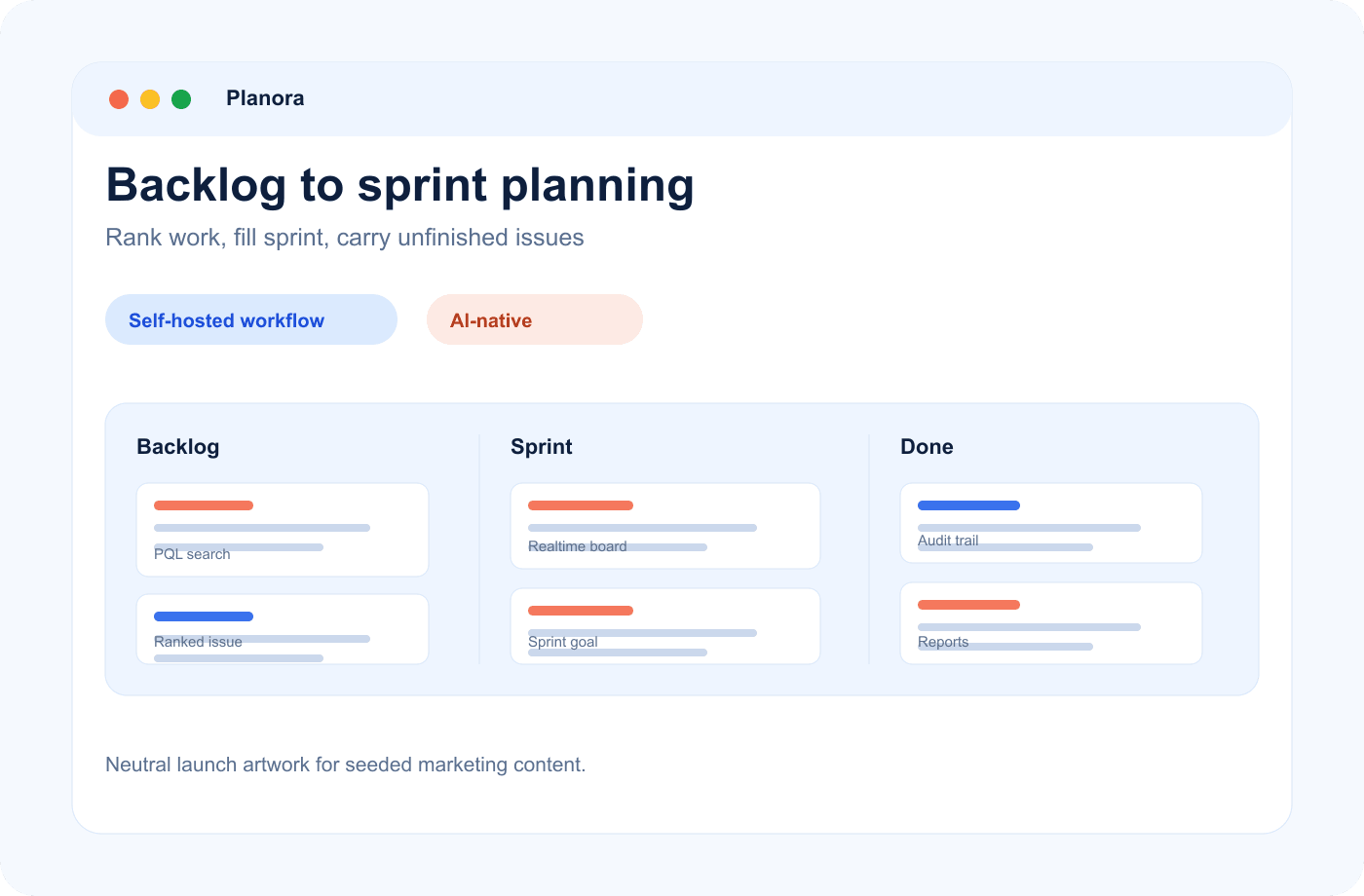
Drag to reorder with precise ranking, then drag straight into a sprint. Add a sprint goal, move through Planned → Active → Completed, and decide exactly where unfinished work goes at close.
- Drag-to-sprint
- Sprint goals
Bulk & inline editing
Bulk actions for hundred-issue days
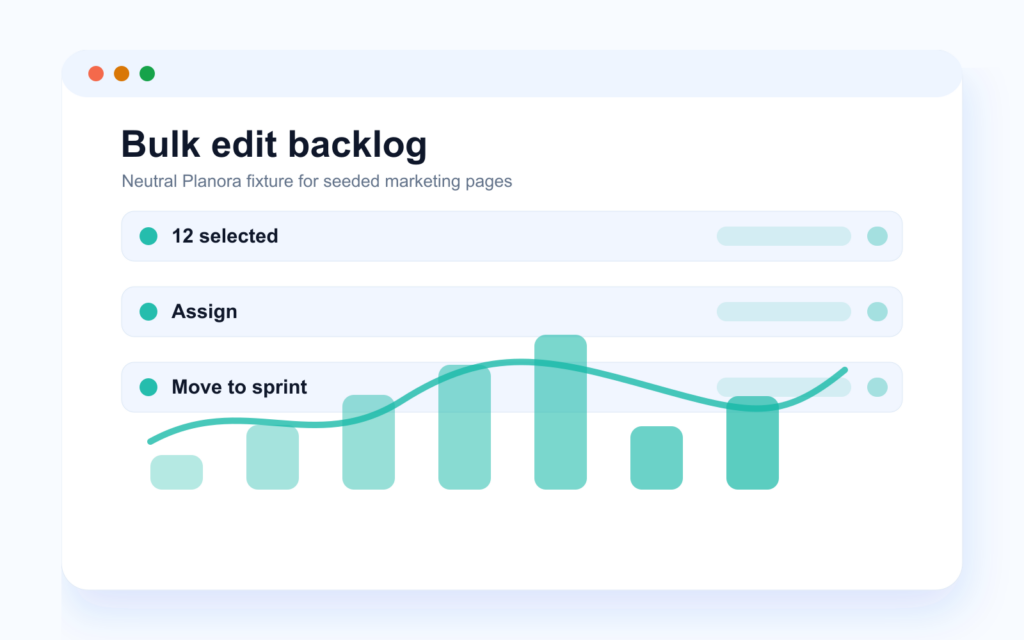
Select a batch and assign, change status, move to a sprint, label or delete in one go. Edit fields inline without opening each issue: points, assignee, priority, right in the list.
- Bulk actions
- Inline editing
Velocity & burndown
Velocity and burndown, no spreadsheet
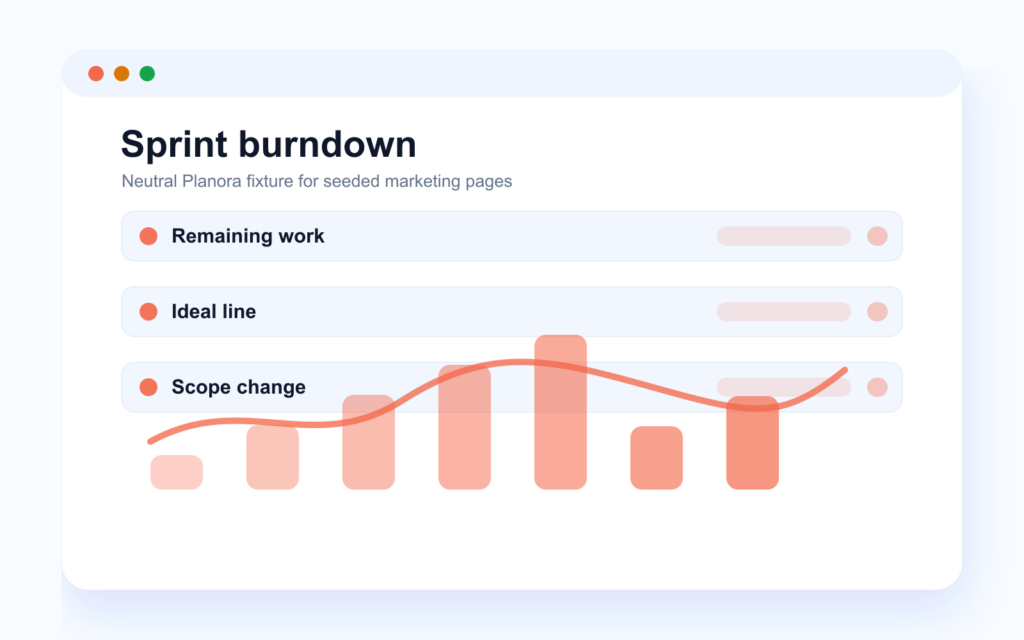
Velocity is calculated automatically from completed sprints; burndown charts update as work moves. Planning poker can argue about points — the trend line doesn’t argue back.
- Auto velocity
- Burndown built in
PQL & search
Search like you mean it
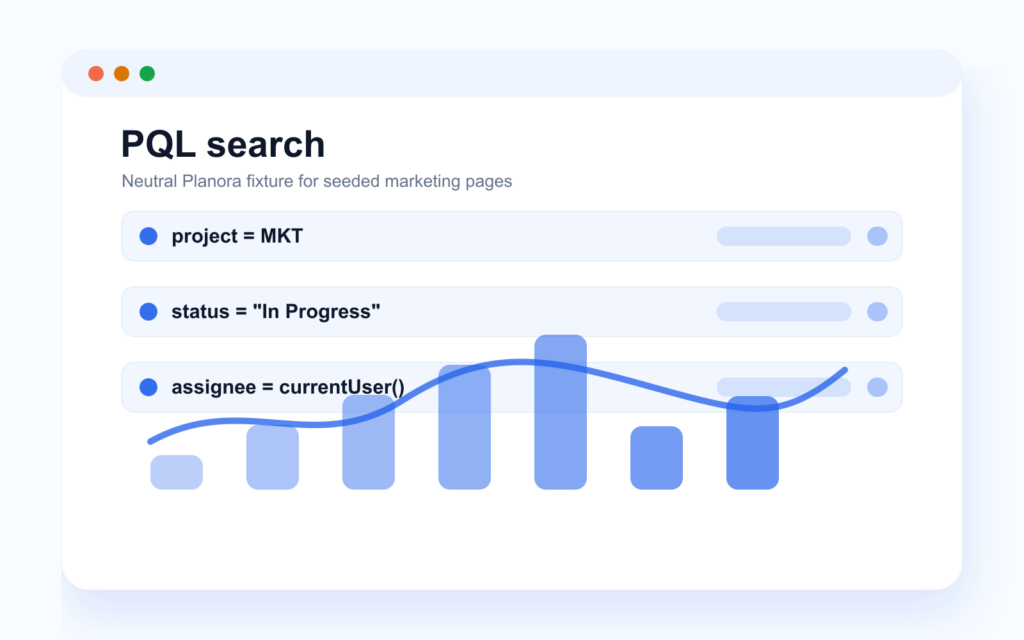
Global Cmd+K search, a visual AND/OR filter builder and PQL give your team quick answers without exporting a backlog. Saved and shared filters keep repeated searches one click away.
project = MKT AND status = "In Progress" AND assignee = currentUser()- Jira-grade queries
- Saved filters
Timeline
Plan dependencies without leaving the project
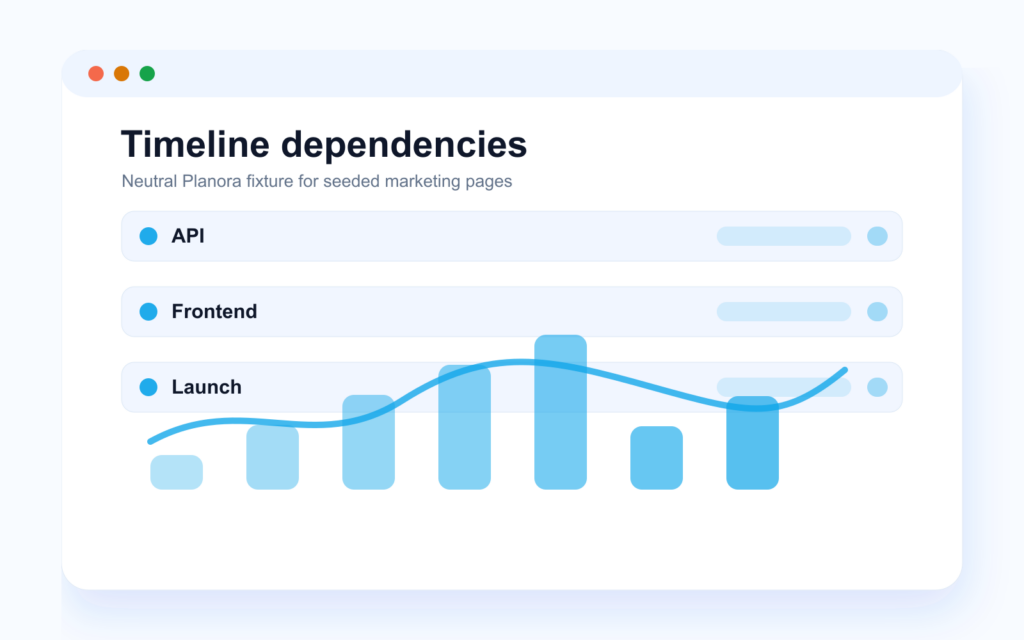
Timeline and Gantt planning show schedules, blocker dependencies and date ranges next to the issues they affect. Drag to reschedule when reality changes.
- Dependencies
- Drag to reschedule
Related features
Planning gets stronger when the board, reports and AI access all read from the same source of truth.
-
Boards & sprints
Kanban and Scrum boards with sub-500 ms real-time sync, WIP limits and swimlanes.
-
Time tracking & reports
Log time on issues, compare estimate vs. actual, read cycle-time and flow reports.
-
Integrations & AI
Slack, Jira import, webhooks, scoped API tokens — and a built-in MCP server for AI.
Frequently asked questions
How does backlog ranking work?
Drag an issue and it stays exactly where you put it, between its neighbors. The backlog is a real priority order, not a sort-by-date illusion.
What happens to unfinished issues when a sprint ends?
The complete-sprint flow moves them to the next sprint or back to the backlog — your choice, made explicitly, so nothing silently disappears.
Can we run multiple sprints at once?
One active sprint per project, by design — it keeps the commitment unambiguous. Different projects each have their own active sprint.
Do you support story points and estimates?
Yes. Issues carry story points and time estimates; velocity and burndown are built from them automatically.
Can AI query the backlog?
Yes. The built-in MCP server can search issues with PQL through scoped tokens, so AI assistants can answer backlog questions without broad access.
Plan, track, ship — without the bloat
Every feature, one fair license, your own servers. Prefer to see it running first? Book a demo on a real instance.